Build a full song draft
Describe who is speaking, what happened and how the song should feel. Generate a structured draft you can revise.

Give your song a starting point. Describe a story, choose a genre and mood, and turn your idea into verses, a chorus and a bridge.
Your song draft will appear here.
Describe who is speaking, what happened and how the song should feel. Generate a structured draft you can revise.
Tell us the central feeling or phrase you want to return to. Use the chorus as a starting point for your own hook.
Add a place, a moment or a relationship. Specific details give your song a clearer voice.
Browse published image and video prompts for cover concepts, scenes and music visuals. These are visual references, separate from the lyrics you write above.
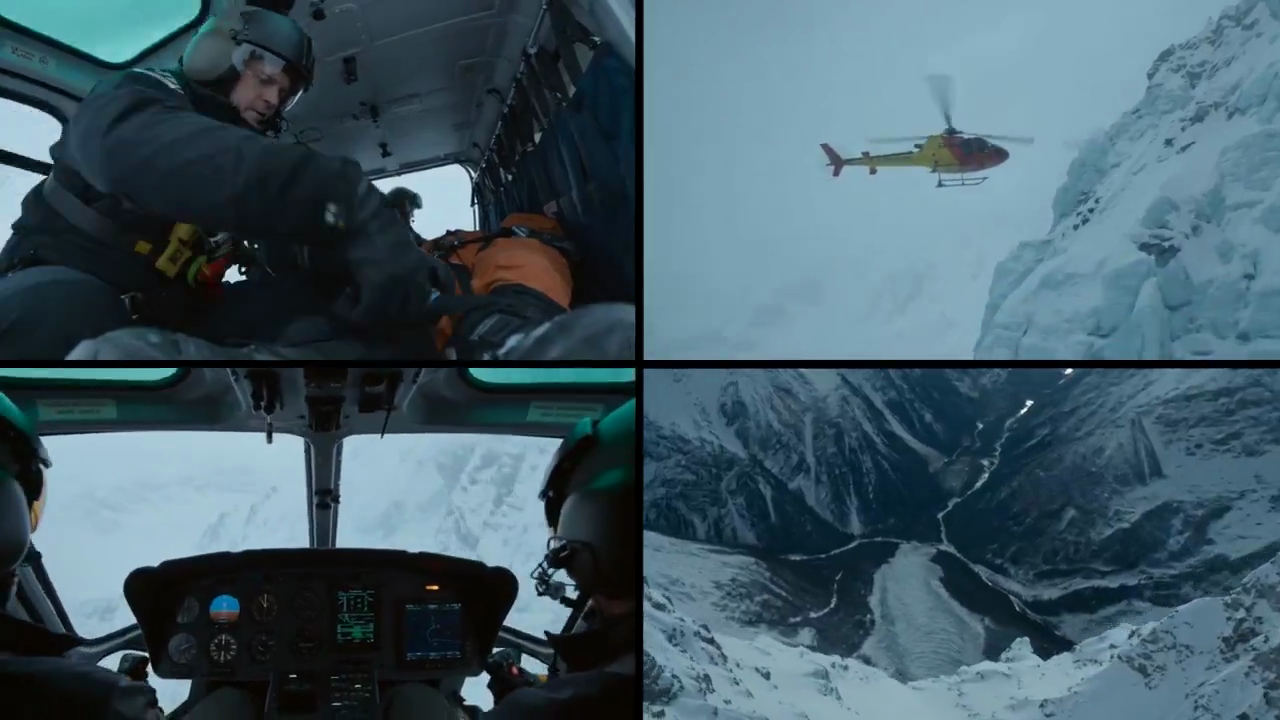
FLUX 3
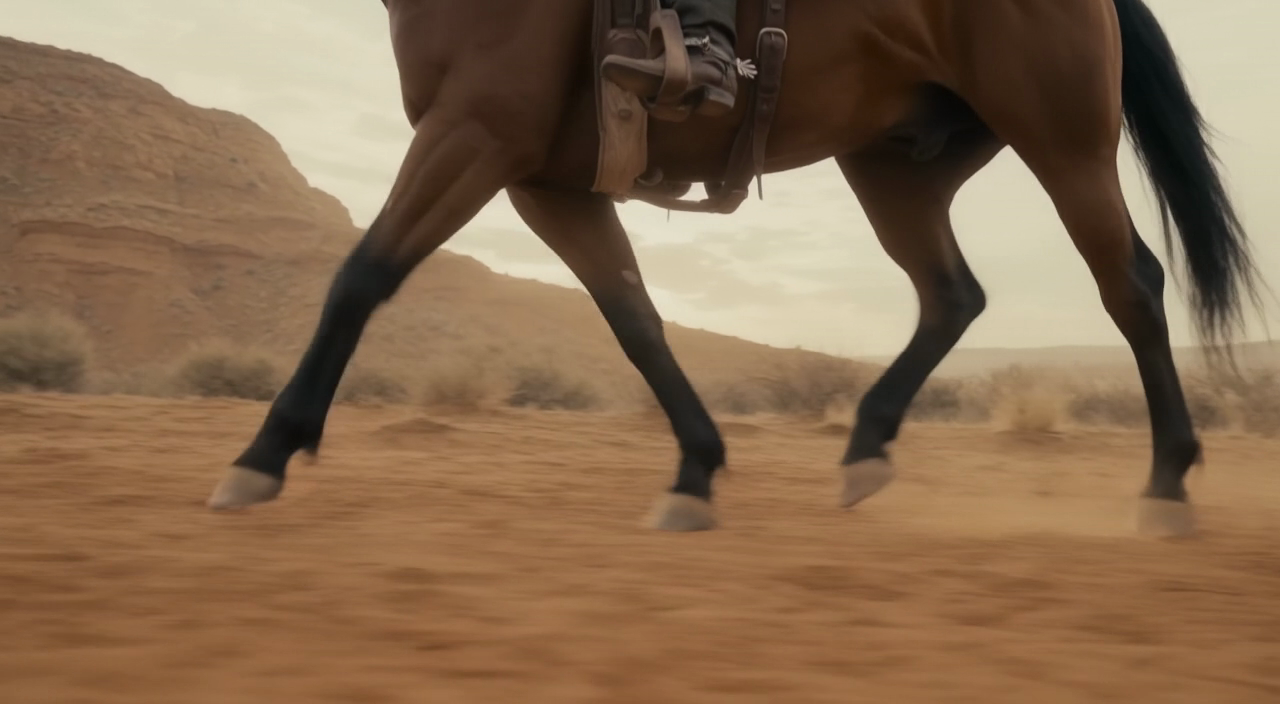
FLUX 3
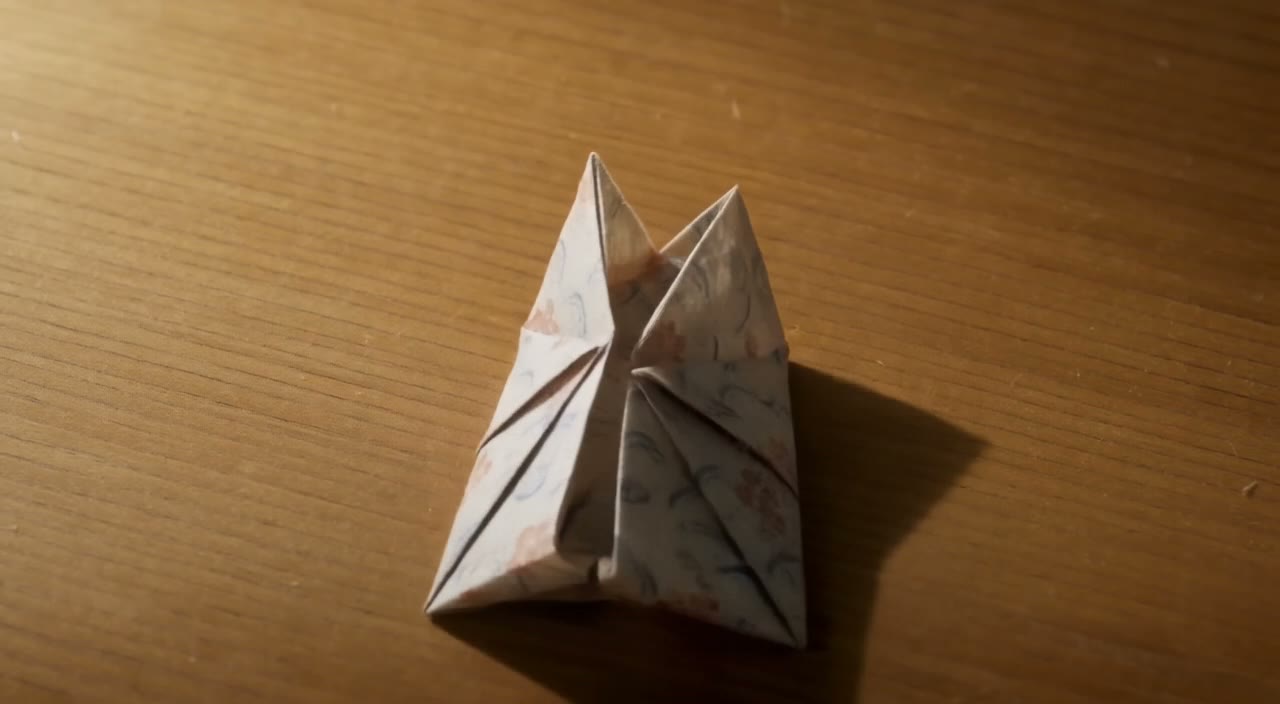
FLUX 3
Write about a friendship, a milestone or an ordinary moment that stayed with you.
Try a different musical direction with the same idea. Compare the language and rhythm before choosing your draft.
Explore visual prompts after writing your lyrics. Image and video generation use their own settings and credit quotes.
Write a brief in English. Include the story, point of view and any details you want the lyric to explore.
Enter a genre and mood. A pop song about a fresh start will read differently from a reflective folk ballad.
Sign in and generate a text draft. Read it aloud, check the phrasing and make changes that fit your melody.
Copy the lyrics or download a text file. Save it before leaving the page; this tool does not record or produce audio.
The lyric tool creates text using the configured writing model. The image and video models below are separate tools for visual ideas, each with its own available settings and credit quote.
Start with included credits, compare plans, and add more credits whenever you need them.
Approximate, fixed reference rates (2026-10-26); not live. Final amount and currency are determined at checkout.
Loading prices…
Secure checkout is available. For inquiries or assistance, contact us at support@higsfield.cc.
The song lyrics generator creates an English text draft with a title, verses, a chorus and a bridge. It does not create vocals, recordings or a melody.
Yes. Sign in with your email or Google account before generating lyrics.
Lyrics share the existing writing allowance with the prompt assistant: three successful requests per UTC day on the basic allowance. An active paid subscription or a balance above 50 credits provides continued access under the current writing rules. Failed requests restore a reserved daily use when recovery succeeds. Image and video generation have separate credit quotes.
Enter a genre and mood, then describe the story in your own words. Review how the draft fits your intended rhythm and melody.
Copy the result or download it as a text file. The result stays on this page until you leave or refresh; save your draft before closing it.
Describe your own subject and direction rather than pasting a complete existing song. Review the result before publishing it and make sure you have the rights needed for your intended use.
A new request can produce a different draft. Save a version you like, then make your own revisions.
Start with a story and a feeling. Generate the words, then shape them into your own song.
higsfield.cc · Updated