A cinematic pause
Place a small, self-contained reaction between more energetic scenes.

HIGSFIELD MOTION GUIDE
Loading history…
Build a compact reaction scene around a diner who realizes someone is watching through the window. One portrait sets the lead character, while the supplied reference guides the burger, glance and curtain action. Use the extra direction for a restrained cinematic atmosphere.
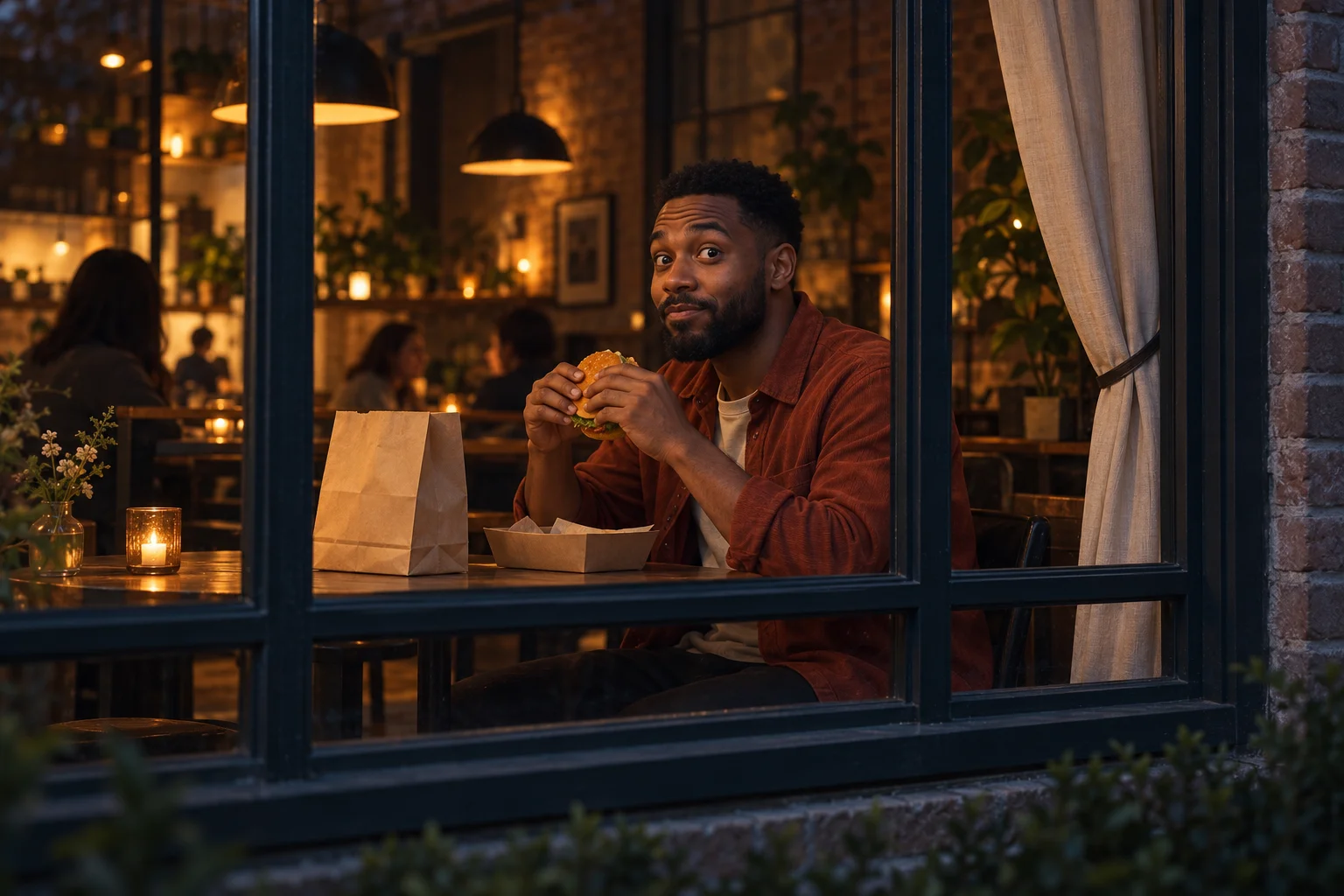
The camera’s position outside the room is central to this idea. The viewer sees a private-looking meal, then receives a direct glance. Keeping the window boundary visible gives that glance a reason; removing it can turn the scene into an unrelated person eating at a table.
The loft-café concept uses charcoal framing and amber light to separate outside from inside. A restrained background gives the eyes and hands enough contrast. You can request a similar mood without asking the model to replace the fixed sequence.

Pick a portrait with sharp eyes, clear facial hair and a natural perspective. Heavy shadow can create atmosphere in the finished scene, but it is less helpful in the identity photo. Start with readable features and let the optional direction establish the lighting later.
Only one person image is required. A full scene photograph is not necessary, and a group shot makes the intended lead ambiguous. Keep any important clothing visible if you want to mention it, but avoid adding props that conceal the face or hands.
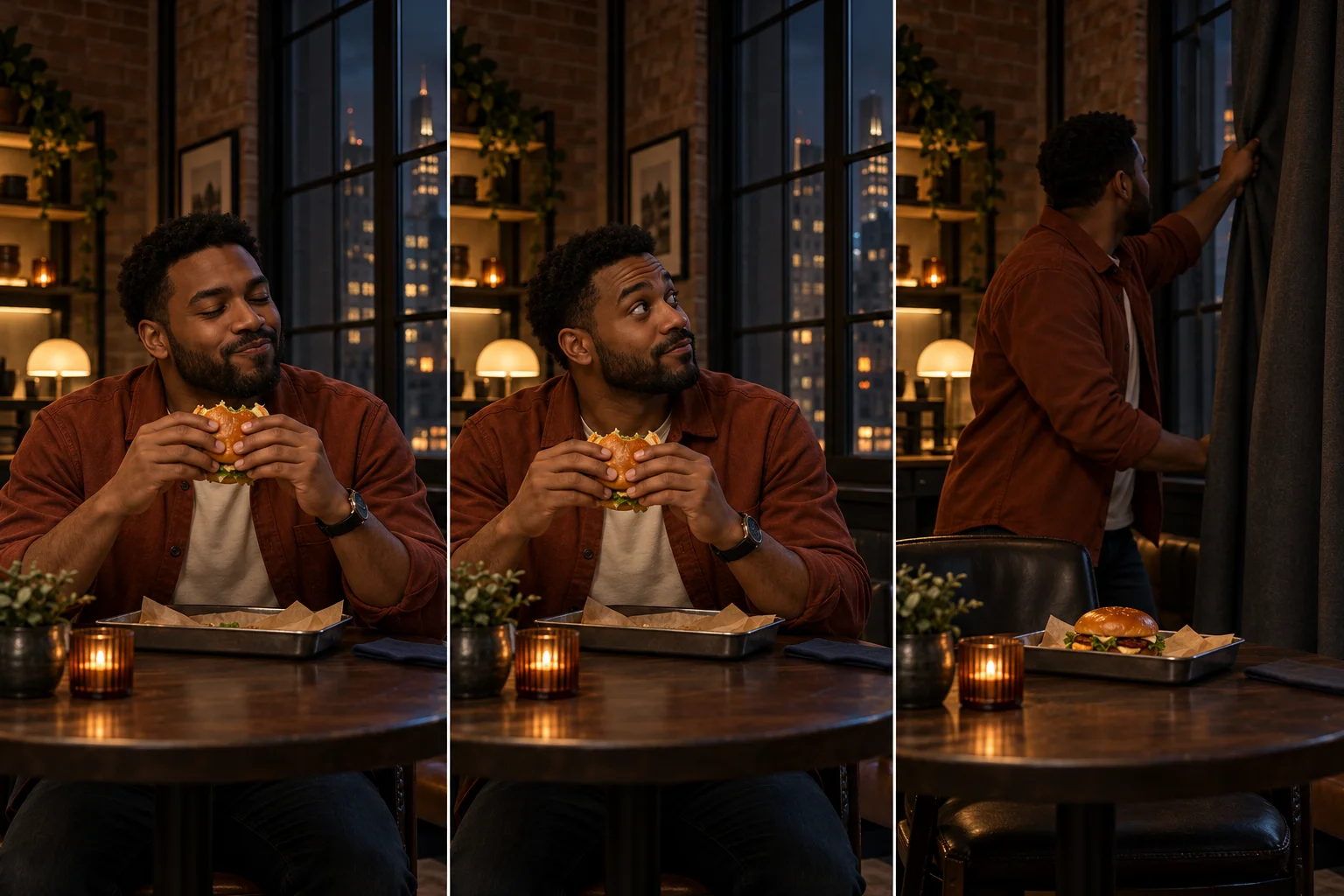
A useful note could be: “Warm amber interior, dark exterior, rust overshirt and a subtle look of surprise.” That changes the visual treatment while allowing the reference to retain the timing and object relationships.
Do not turn the brief into a list of camera cuts, sudden costume changes and new gestures. The burger stays part of a meal, and the curtain is the closing response. The page does not supply a timeline editor or a second motion input to coordinate a more complex sequence.
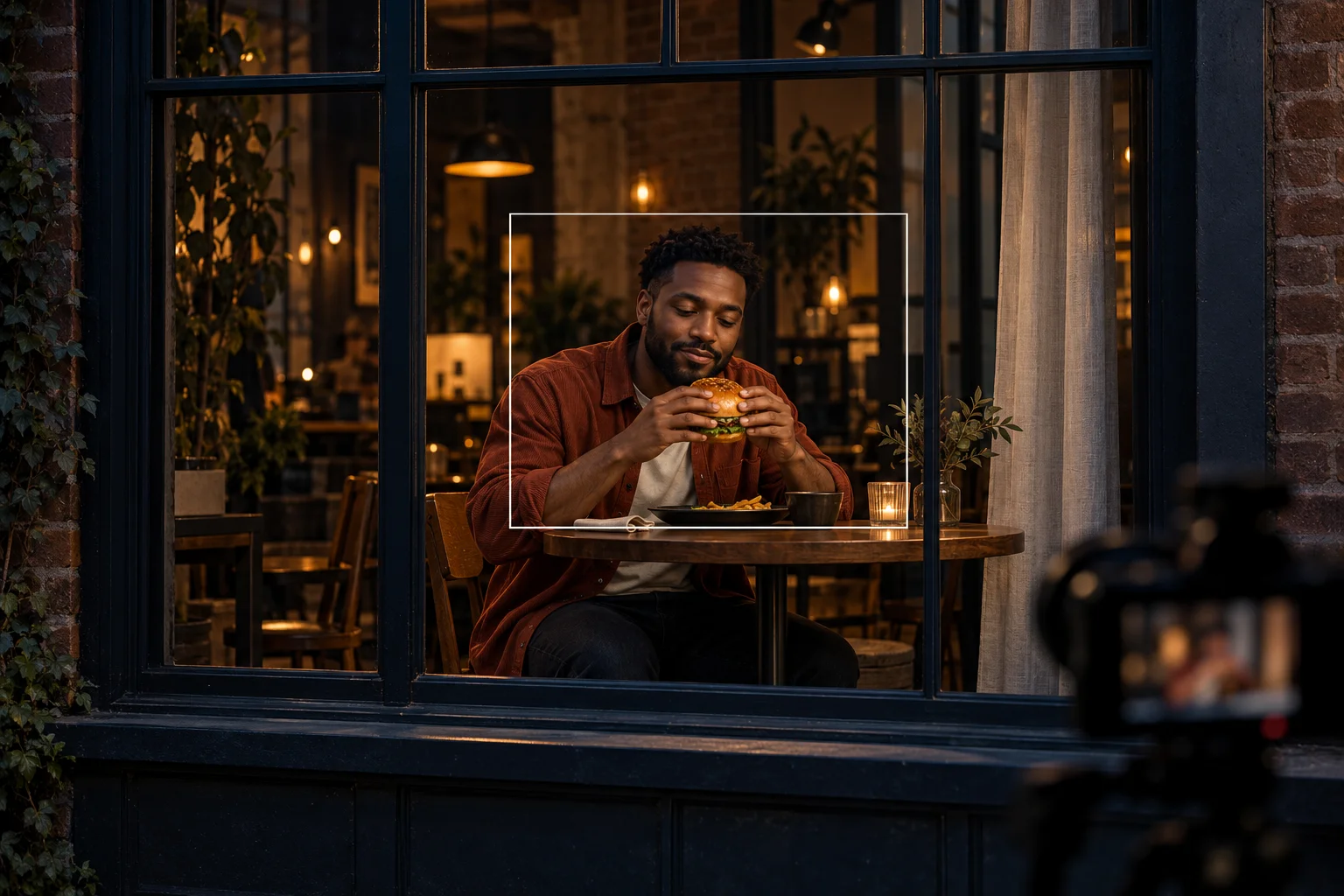
Check the opening for a stable table and a clear burger silhouette. At the glance, look for a consistent face. At the curtain movement, watch for hand distortions and changes to the window frame that make the space difficult to understand.
Compare complete takes in History rather than judging only a still. A quieter reaction with coherent objects may serve the idea better than a dramatic expression surrounded by unstable details. Download a result only after watching the last seconds as well as the first.
Place a small, self-contained reaction between more energetic scenes.
Use the meal and glance to suggest personality without needing dialogue.
Keep the same person while exploring a softer or more dramatic interior mood.
No. The page binds the displayed 14-second motion reference to the request. Your required input is one diner photo, with optional text for visual direction.
This form provides one lead identity slot. A two-person scene is outside this page’s input contract.
That is not the supplied action. The diner eats inside, looks toward the outside viewer and reaches for the curtain. Preview the sequence before choosing a concept.
The live form quotes the selected settings. The currently selected model requires purchase access plus sufficient credits; no fixed price or free allowance is promised here.
Fourteen seconds is the output duration, not a rendering estimate. The queue and selected model affect completion; monitor the task in History.
The optional direction guides the request but is not frame-by-frame editing. Review the generated identity, hands and scene continuity before using the clip.
higsfield.cc · Updated