This fixed video supplies the choir performance and camera reveal. Your lead image supplies the central appearance; the optional choir image directs the surrounding cast.
History
Video history
Loading history…
A cinematic portrait against a mechanical chorus
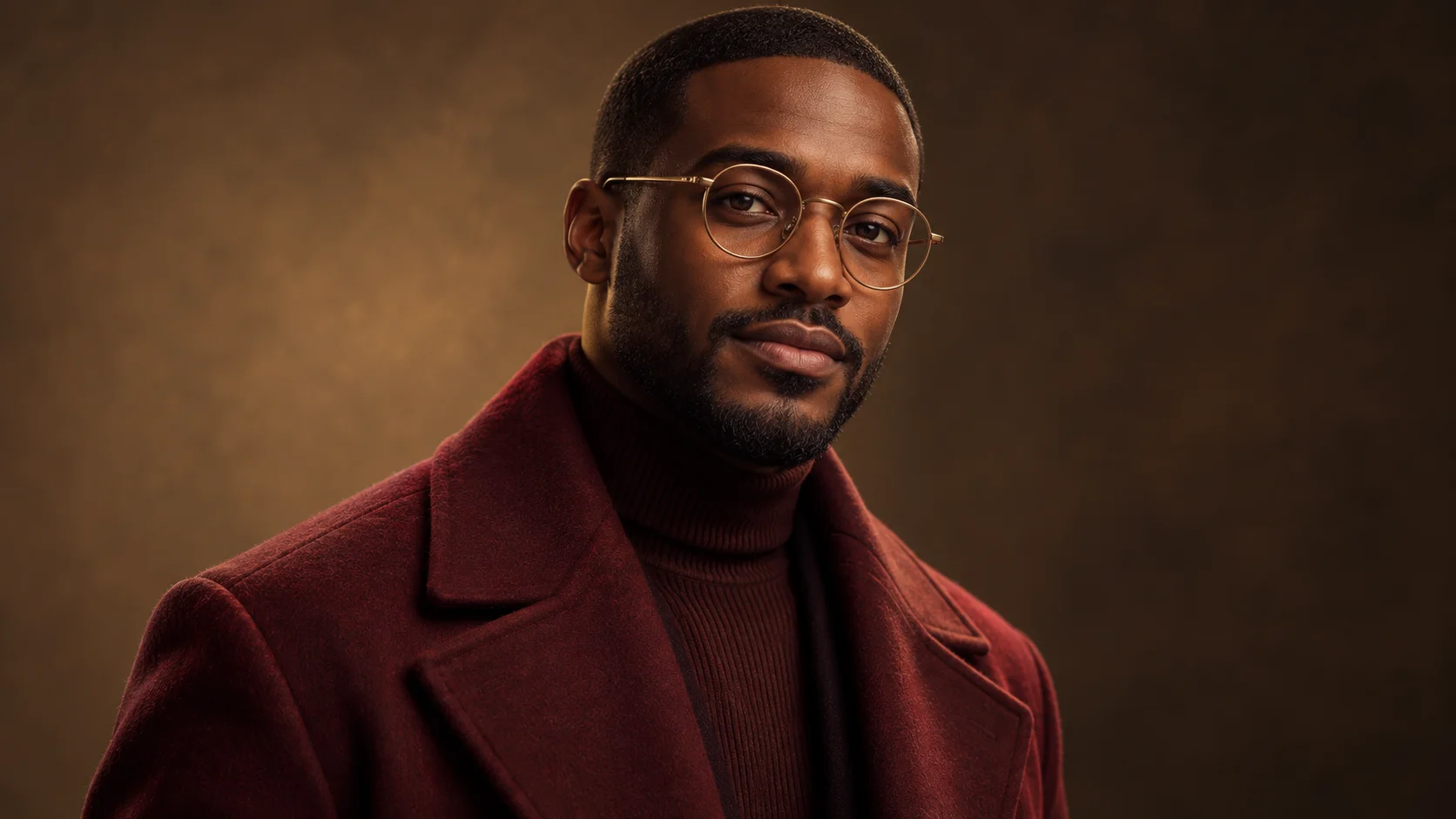
A still face can be the strongest part of a busy frame. Closed On Sunday AI gives your main subject a surrounding choir and a fixed performance to follow. Keep the lead recognizable, then shape the ensemble with a short description or an optional second character image. Our bronze robot concept explores a cinematic version of that contrast.
Upload the central subject in the lead slot. Use the separate choir slot only when you want a specific surrounding design, and add compatible cast notes if needed. The page starts at fourteen seconds and uses the embedded motion reference. It asks for a composed protagonist while the ensemble carries the activity.
A restrained portrait gives the ensemble a stable center.
How to create your Closed On Sunday AI remake
1. Establish your central character
Pick a sharp portrait with the whole face visible. A restrained expression fits this format well. If glasses are part of the identity, choose a photograph with clear lenses rather than reflections covering the eyes. Leave enough shoulder detail to read the outfit.
2. Set the ensemble material
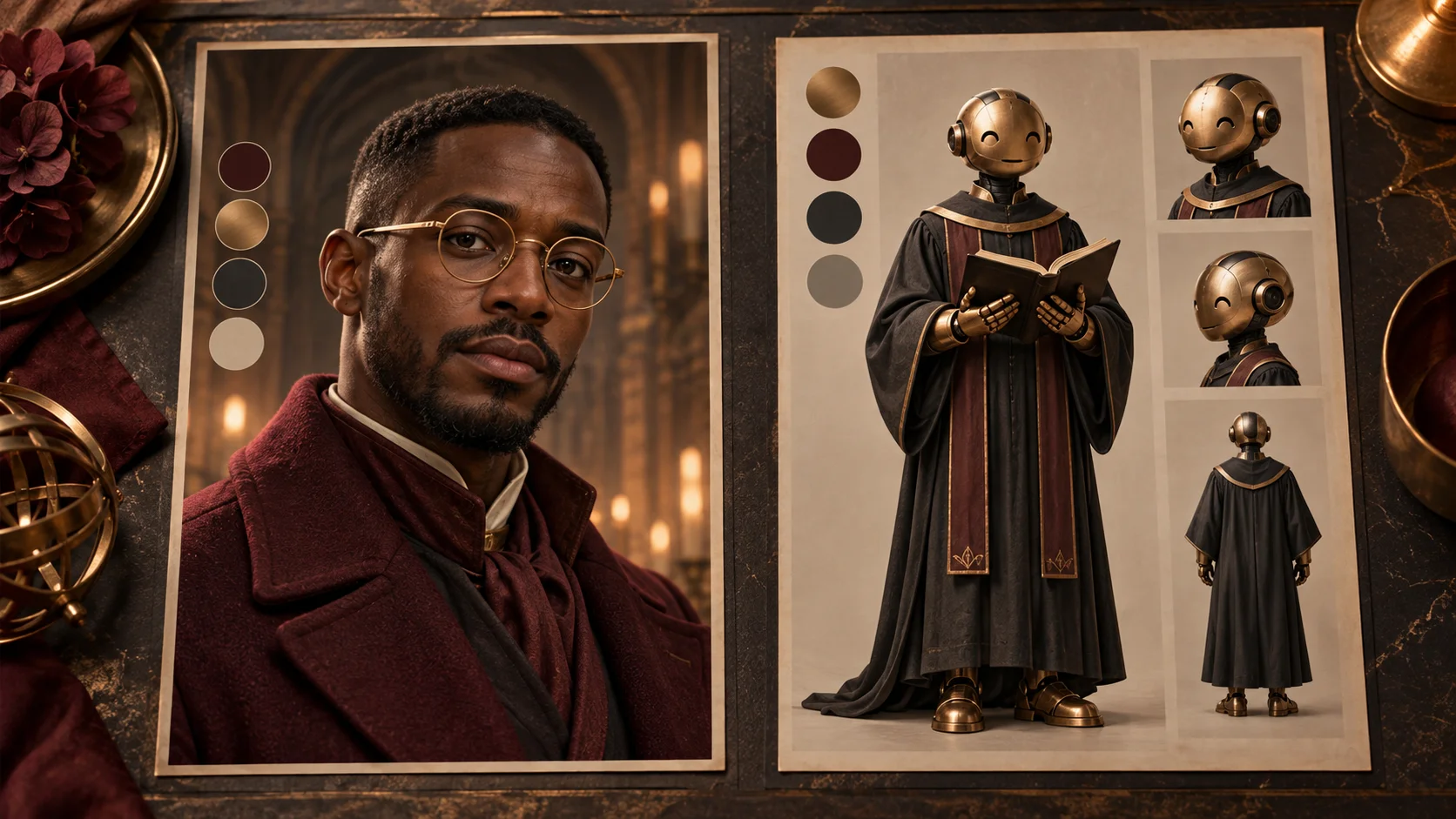
Give the choir one consistent design language. Here, rounded copper robots and charcoal robes support a burgundy-coated lead. A single robot reference can communicate material and shape more clearly than a long inventory of decorative details. Upload it in the optional choir slot.
3. Inspect the performance setup
Watch the supplied video and check whether its reveal suits your idea. Confirm the roles, output settings and current credit estimate. The form already includes the fixed motion reference; a second action clip is not required for this scene.
4. Compare motion and identity
When the task finishes, review it in History. Follow the lead through the whole shot, then inspect the closest robots. Favor a take with coherent faces and hands over one impressive still frame. Check audio separately before saving your preferred result.
Use color to keep the portrait visible
Define the robot separately from the person who leads the scene.
The reference cards separate a burgundy human silhouette from a bronze and charcoal ensemble. Those colors are related enough to feel intentional without making every figure look identical. When preparing your own pair, consider the image at a small size. If the lead immediately blends into the choir, choose a stronger clothing contrast or simplify the group palette before generation. A clear hierarchy is more useful than adding more ornament.
The illustrated robot design sheet is a planning example. For the actual choir input, choose one clean character image with readable head and body proportions. Avoid placing the lead portrait and robot in a single upload. The two slots exist so the generator can assign the roles separately. Props such as books are optional visual details, not controls that guarantee an exact arrangement in the finished video.
Direct the chorus without rewriting the lead
Concept study: warm metal and dark robes frame a burgundy silhouette.
Start the optional notes with the surrounding cast: rounded copper robots, dark robes, warm light. Keep those instructions consistent with the image in the choir slot. If the image suggests a simple metallic face but the text asks for elaborate human expressions, the result may mix ideas unpredictably. A smaller set of compatible choices makes the final take easier to judge and the next revision easier to explain.
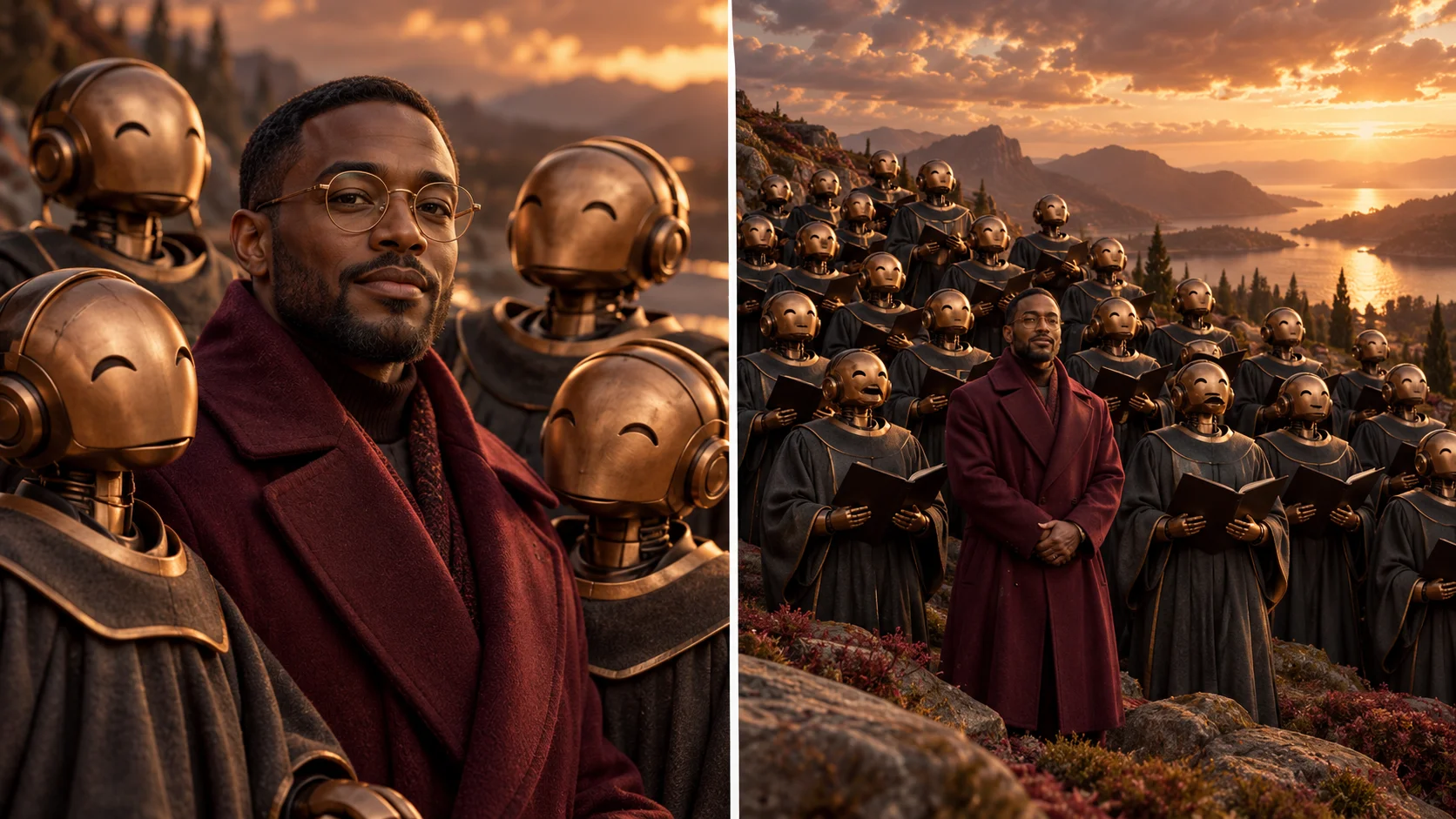
The fixed performance defines the scene's broad movement and camera progression. It is not a free choreography editor. Your cast can be different from the reference while the composition still follows its structure. The cinematic illustrations show a possible visual treatment, not a verified output sequence. Expect variation in robe folds, robot hands, reflections and crowd count, especially where many characters overlap.
Review the shot as a short sequence
Review continuity across the close and wider composition.
A successful ensemble scene needs continuity beyond a striking opening. Check that the lead's glasses, hairline and coat remain consistent as the frame changes. Watch the nearest row for hands merging into robes or robot faces losing their shape. Then inspect the wide view: the lead should remain easy to find without a caption telling the viewer where to look. These checks take only one attentive replay.
If you plan to add titles, reserve space around the composition rather than covering the central expression. Try the video on a phone before exporting a larger edit. The page does not guarantee a particular song or a matching voice track, so listen before you share. For a result with distracting geometry, simplify the choir reference or select another take instead of hiding the issue behind a heavy crop.
Input, cost and result questions
What is the minimum input?
One clear lead image. The choir reference and extra cast notes are optional; the fixed video is already attached to this page's workflow.
Can I replace only the surrounding characters?
That is the purpose of the choir role. Keep the lead image unchanged and use the optional second image or notes to describe the ensemble.
Can I upload a full moodboard?
A single clean character is the clearer choice for each role. Use moodboards to plan, then export separate lead and choir images for the actual form.
Are the robot illustrations guaranteed frames?
No. They explain a design direction. Review the actual video returned to History for likeness, crowd detail, movement and audio.
Is generation included for free?
Access depends on your account and the active model policy. Read the current estimate and Pricing information; no free allocation is promised here.
How long is the video?
The initial output duration is fourteen seconds. The reference is approximately 13.72 seconds. Processing time depends on the service queue and is not the same as clip length.